
Run the checks for your device
Open Settings and select the controller in the sidebar. Guided Setup checks the required components and connection steps. Controller Setup tests supported feedback paths; Controller Health inspects physical input. Restart Controller Service briefly reconnects all controllers, so avoid doing it in the middle of a game.
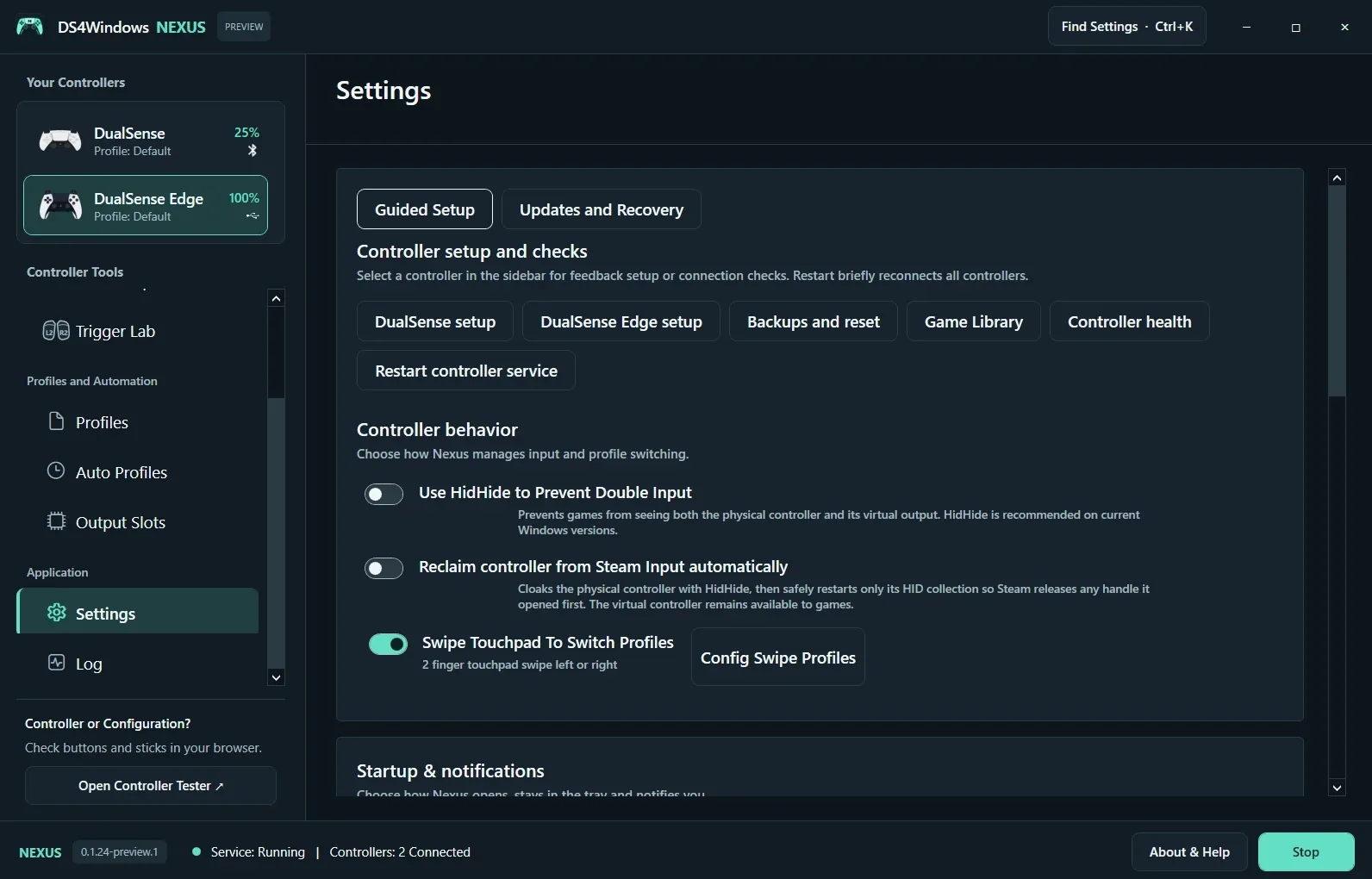
Prevent double input
Use HidHide to Prevent Double Input when a game sees both physical and virtual controllers. Keep Nexus allowed to read the hidden physical device. Reclaim Controller from Steam Input Automatically relies on the related hiding configuration and can restart the device’s HID collection. Test with one game after changing this behavior.
Back up before updating
Backups and Reset concerns settings and profiles; application-file rollback is a separate recovery mechanism. The first beta uses manual downloads and does not enable automatic online updates. Keep the full extracted package together, close Nexus before replacing files and preserve a known-working backup. Signed update installation requires a configured publisher identity.
Screenshot values are examples, not recommended settings for every controller. Save a separate profile before experimenting.