
Capture a resting baseline
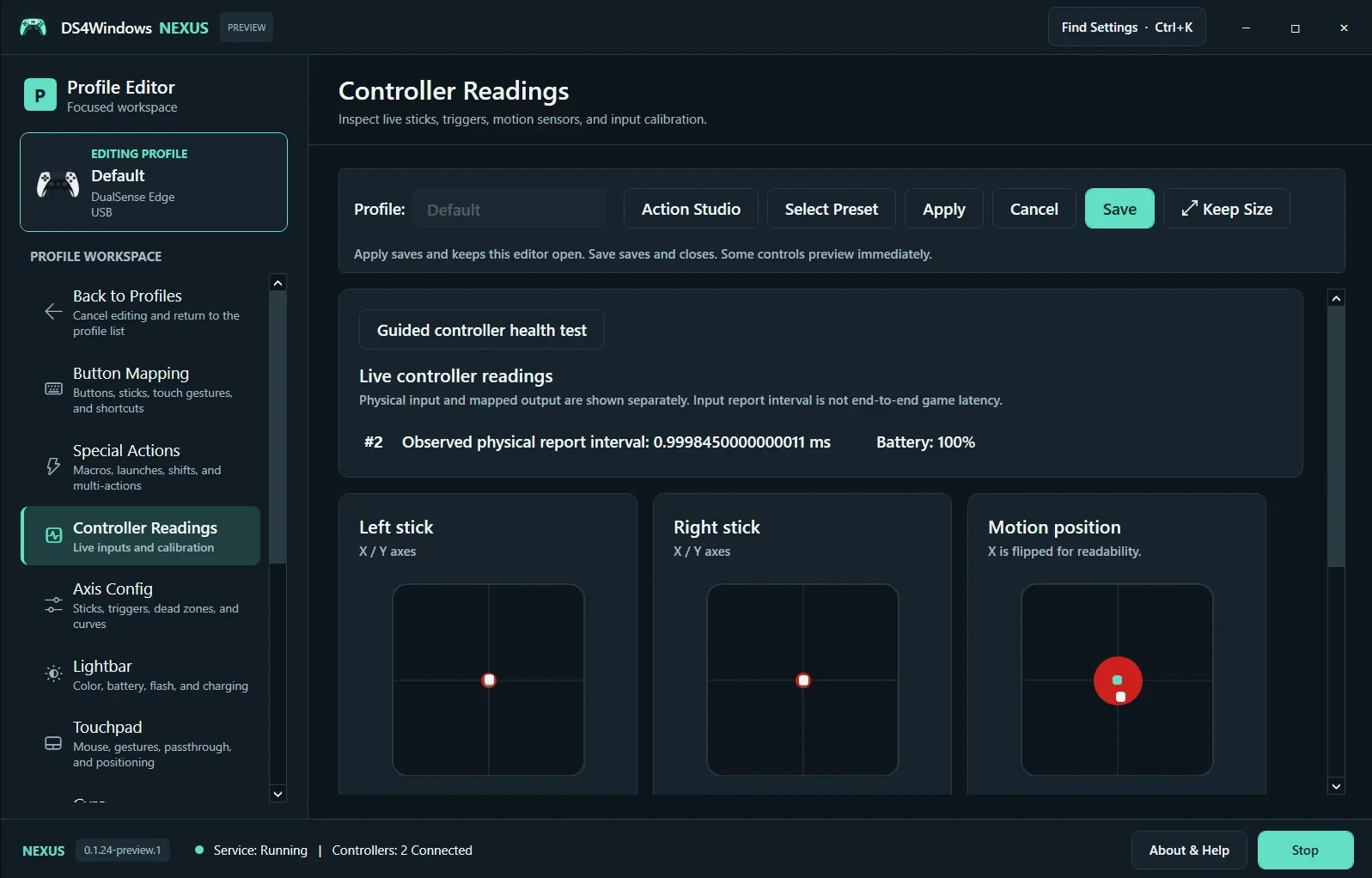
Select the physical controller and open Controller Readings. Release both sticks, place the controller on a stable surface and watch the resting positions. Guided Controller Health Test provides a structured way to record observations. Reopen the test if you disconnect or replace the controller during the session.
Check the full range
Move each stick slowly around its edge, return it to center and squeeze both triggers fully. Press buttons individually. The live view is a sampled observation, so very short transitions may not appear. Motion Position reflects sensor movement where supported; zero values alone do not prove a sensor is present or working.
Separate input from feedback
Input report interval is not end-to-end game latency. A successful button test also does not establish that rumble or adaptive resistance works. Test grip feedback and adaptive triggers separately in the relevant setup tools. Export a redacted health report for support and include the model, USB/Bluetooth connection and reproducible steps.
Screenshot values are examples, not recommended settings for every controller. Save a separate profile before experimenting.