/
/ Ryochan7

DS4Windows Downloads

Ryochan7 DS4Windows Download & Setup

Find the Ryochan7 DS4Windows legacy archive, understand driver requirements and back up profiles before switching builds.

LEGACY BUILD · 3.3.3

Download Ryochan7 DS4Windows

The archived Ryochan7 v3.3.3 build is hosted in the ds4windowsapp GitHub repository. This is the legacy application, separate from Nexus.

ZIP · 4,306,953 bytes. View Release Details ↗
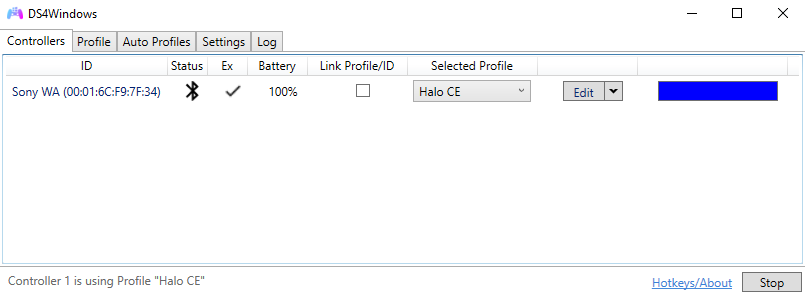
ds4windows

Before You Install

  1. Back up your profiles and settings. Keep Nexus and legacy application folders separate.
  2. Read the archive’s requirements for the specific package and architecture. Do not assume its runtime requirements match Nexus.
  3. Extract the complete archive into a writable folder and close other controller mappers.
  4. Complete the build’s driver setup. Legacy virtual output commonly uses ViGEmBus; Nexus uses its matching VIIPER/USB-IP setup instead.
  5. Connect by USB for the first test, select a profile and check buttons and sticks. Pair Bluetooth after the baseline works.

Troubleshooting and Switching Builds

If a game receives two button presses, check physical and virtual controller duplication and overlapping Steam Input mappings. Configure HidHide deliberately rather than reinstalling every driver.

Test an imported profile before relying on it. Backups let you return to the previous build without deleting AppData. Native Nexus feedback features should not be assumed to exist in this older branch.